

Get Connected
Already have Portkey configured? Skip to step 3 — use your existing provider slug and API key.
anthropic-prod).
2. Create a Portkey API key
Go to API Keys, click Create, and copy the key.
3. Configure OpenClaw
See Your Requests
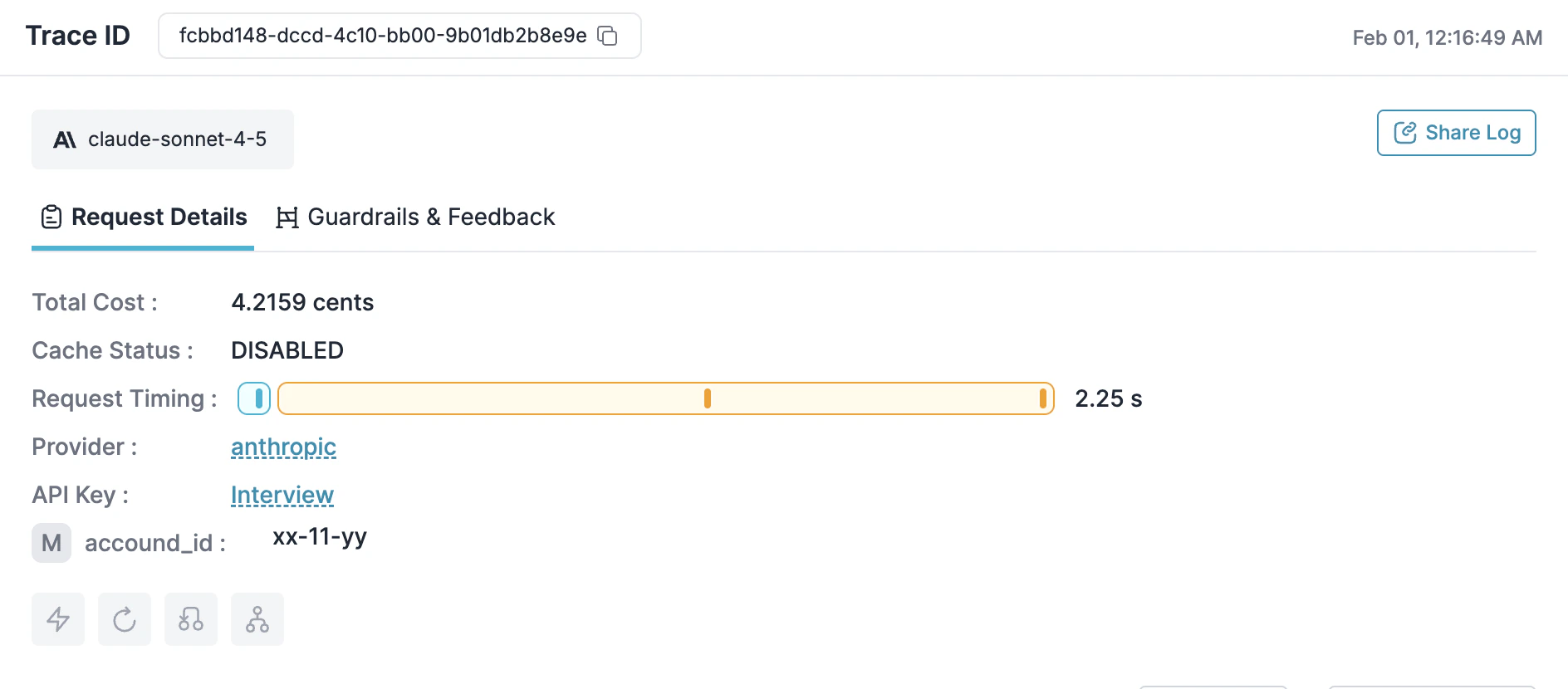
Runopenclaw and make a request. Open the Portkey dashboard — you should see your request logged with cost, latency, and the full payload.
Add More Models
Configure Models
Add models from any provider you’ve configured in Portkey:Track with Metadata
Add headers to group requests by session or tag by team/project: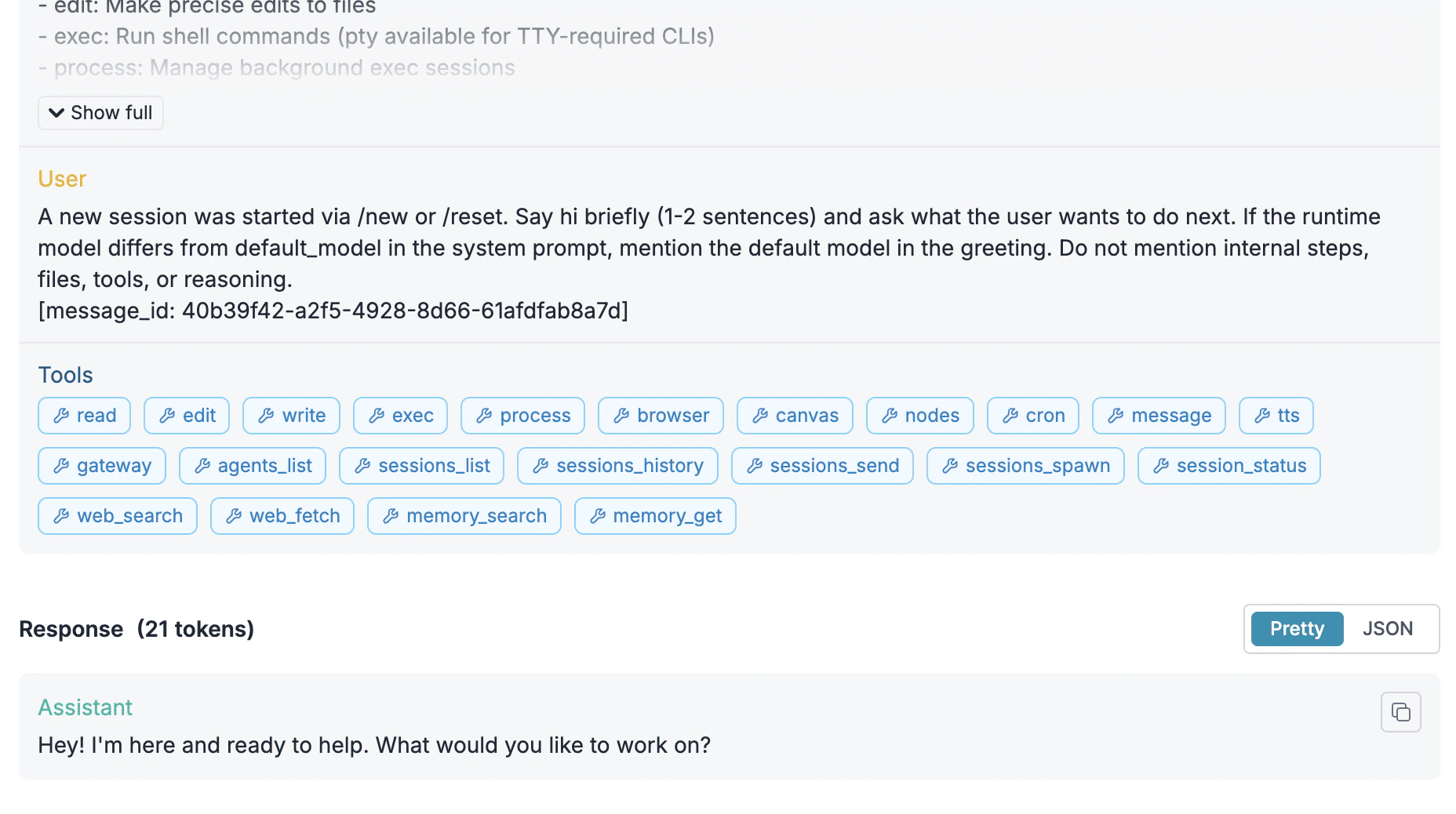
Make It Reliable
Create configs in Portkey Configs and attach them to your API key. When the config is attached, these features apply automatically to all requests.- Failovers
- Retries
- Load balancing
- Caching
Automatically switch providers when one is down:
Control Costs
Budget Limits
Set spending limits in Model Catalog → select your provider → Budget & Limits:- Cost limit: Maximum spend per period (e.g., $500/month)
- Token limit: Maximum tokens (e.g., 10M/week)
- Rate limit: Maximum requests (e.g., 100/minute)
Guardrails
Add input/output checks to filter requests:Roll Out to Teams
Attach Configs to Keys
When deploying to a team, attach configs to API keys so developers get reliability and cost controls automatically.- Create a config with fallbacks, caching, retries, and guardrails
- Create an API key and attach the config
- Distribute the key to developers
Enterprise Options
Self-hosting
Self-hosting
- SaaS: Everything on Portkey cloud
- Hybrid: Gateway on your infra, control plane on Portkey
- Air-gapped: Everything on your infra
Authentication
Authentication
Custom pricing
Custom pricing
Override default pricing for negotiated rates or custom models in Model Catalog → Edit model.
Troubleshooting
Configs
Routing strategies
Observability
Logs and analytics
Guardrails
Content filtering
Budgets
Spending controls